
 Written by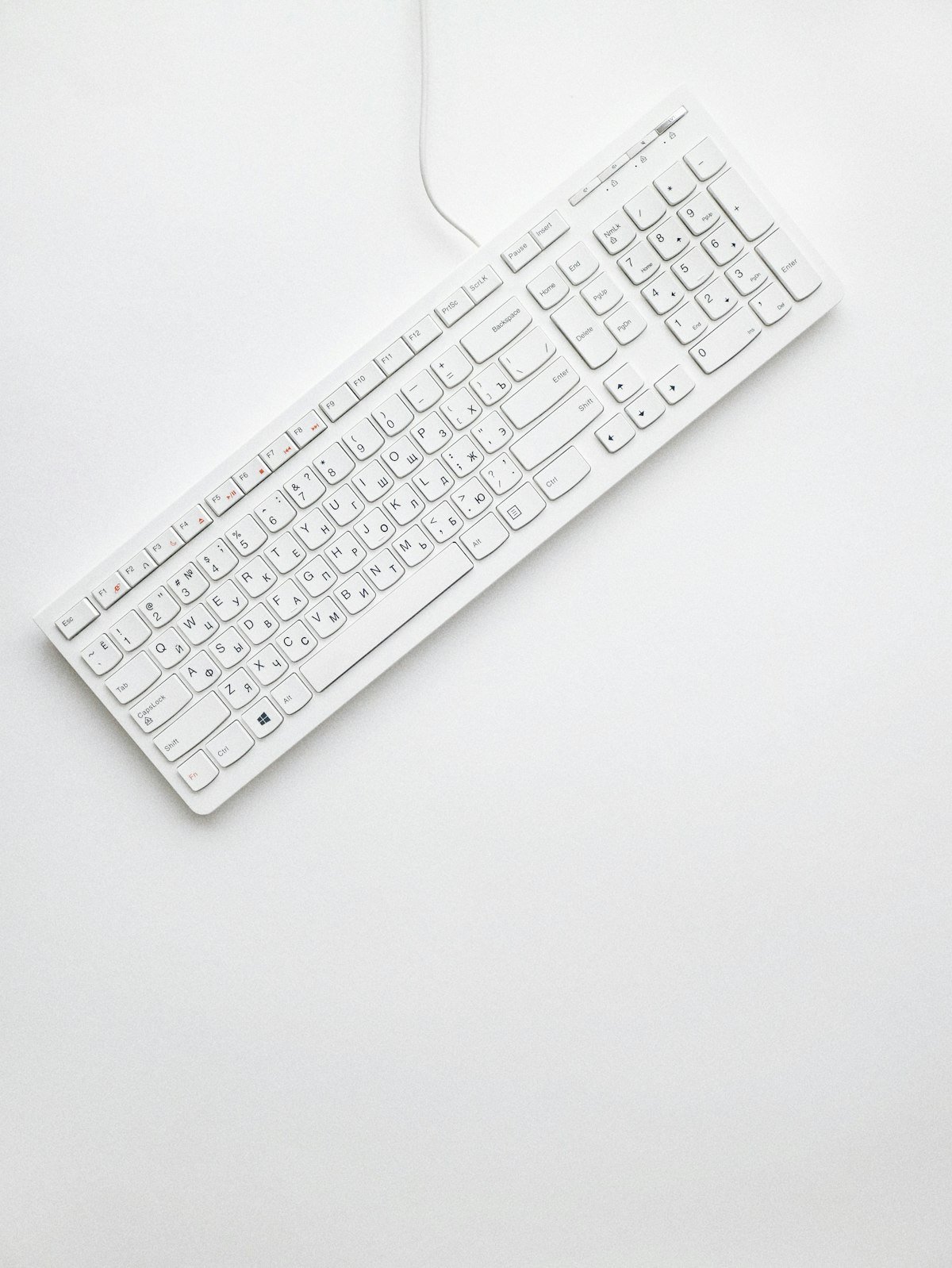
One of the first decisions you will make when building or buying a custom mechanical keyboard is choosing the layout. The layout determines how many keys the keyboard has and how compact it is, which has significant implications for both desk space and functionality. Understanding the differences between the most common layouts is essential for making an informed choice.
The full-size layout, also known as 100%, includes all the keys you would find on a standard keyboard, including the numpad. It is the most familiar layout and is preferred by those who rely heavily on the numpad for data entry or gaming. The Tenkeyless (TKL) layout removes the numpad, resulting in a more compact form factor that still retains the function row and navigation cluster.
The 75% layout takes compactness a step further by condensing the function row and navigation cluster into a tighter arrangement, resulting in a keyboard that is significantly smaller than a TKL while retaining most of its functionality. The 65% layout removes the function row entirely, keeping only the navigation cluster and arrow keys. It is a popular choice for those who want a compact board without sacrificing arrow key access.
The 60% layout is the most compact mainstream option, removing both the function row and the navigation cluster. All missing functions are accessed through a function layer, which requires some adjustment time but results in a very clean, minimal aesthetic. Layouts smaller than 60%, such as 40% and ortholinear boards, are considered niche but have dedicated followings among enthusiasts who prioritize minimalism and ergonomics above all else.